

ALLENCOMM BLOG | Insights
Usability in Online Learning Platforms: Best Practices to Help You Get It Right
July 27, 2017
Usability is central to the success of an e-learning experience. As an author of online learning courses, the old design adage “Form follows function” has always served as a helpful tool—and a source of contemplation. After all, it sometimes seems that in a perfect world, the “form” for many of the courses I’m creating would be that of a compassionate-expert-cum-seasoned-subject matter-expert who carefully guides each student through the material, tests for comprehension, and finally, evaluates the student’s application of new skills in a real-world context, and provides feedback.
Wouldn’t it be nice?
But this kind of seemingly Utopian standard of learning depicted above would face some big obstacles. For example, the expense of replicating this experience in a corporate setting for hundreds or perhaps thousands of employees would be substantial, or to use another term “prohibitive”—and that’s if you could find enough qualified instructors.
Enter eLearning. Not only does it scale well, but when it’s carefully designed with a straightforward learner experience in mind, it can be as effective as an in-person, one-on-one training experience. Here are a few usability best practices to keep in mind as you create your course:
- Ensure that the scope of the project is in line with the allotted seat time
It’s often my job to help clients understand why the word count in an activity needs to be cut, or why the number of activities in a particular section needs to be reduced. Trying to do too much within a prescribed seat time can lead to cluttered pages and a substandard user/learner experience. If you’re partnering with an instructional design firm or practitioner to create a training, be open to hearing their thoughts about what can be accomplished in the training window you’re targeting. Better yet, tell them what you want to accomplish, and ask how much seat time would be required to accomplish it.
- Ask the authors of your course about user testing.
As practitioners unveil new fluid grid designs to take their trainings mobile, they should also be conducting rigorous user testing to make certain learners stay engaged as they easily progress through course components. Ask the team creating your course about the specific platforms they recommend using, and ask them to walk you through the user testing and evolution behind them.
- Test the learning platform yourself—and then test it again.
Ask for access to a test course so that your team—and perhaps members of your intended training audience—can personally vet what you’re getting. What needs do your learners have that might change how activities should look? Are you able to navigate and advance without wondering where to go next? Do the menus, buttons, images, color schemes, and the overall look and feel of each activity make sense to you? Test these things first, in the platform that will be used in creating your course, and test again as your own course comes together.
- Is the platform itself engaging enough for your learners
Usability is important, but, for example, I can think of a number of off-the-shelf options which are easy to navigate, but ineffective because they lack the kinds of activities that really capture learners’ attention. In other words, it’s not enough to have easy-to-use navigation and an appealing look and feel. Your training should be as interactive and dynamic as the content allows. In your quest for usability, don’t sacrifice the kind of experience that will create a powerful eLearning experience.
At the end of the day, one of the best ways to get an eLearning experience you can be proud of is to provide examples of activities that have worked for you—and those that didn’t—and to ask “why” whenever presented with something new. Remember that the best eLearning experiences aren’t created in a vacuum, before you by an off-the-shelf product, or take an eLearning practitioner’s advice as to which platform is best for you, don’t be afraid to say “show me the data.”
Resources For L&D Leaders
free guide
free guide
insights | on the blog
ALLENCOMM Press Releases
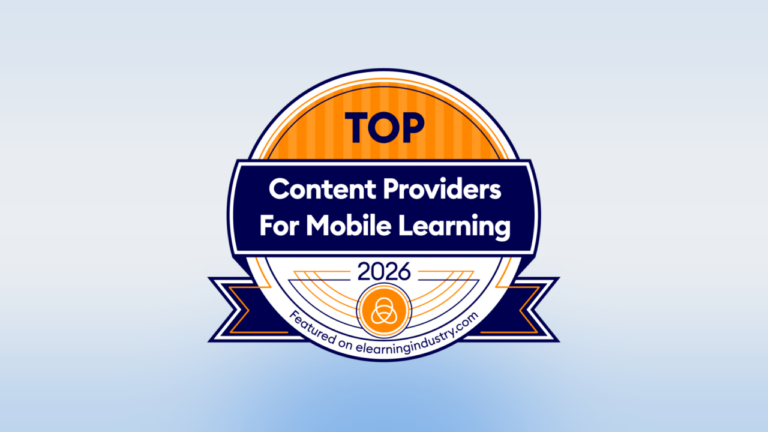
AllenComm Earns Spot on Best Mobile Learning Content Providers 2026 List
eLearning Industry honors AllenComm for its custom mobile learning solutions for enterprise, built to improve performance outcomes at scale. SALT LAKE CITY, [July 29, 2026] — AllenComm has been named to eLearning Industry’s...
ALLENCOMM Press Releases
AllenComm Named a Top Employee Engagement Training Provider by eLearning Industry
AllenComm has been recognized by eLearning Industry as a 2026 top provider for employee engagement, cited for scalable, personalized L&D that drives measurable results. SALT LAKE CITY, [June 24, 2026]...
ALLENCOMM Press Releases